







Photo tips & tricks

Digital photography is fun! Learn how you can enhance your photos and share them in a new way using online services and products based on Online Photo! Enhancement Platform and Photo! Presentation Platform.

General problems of point and shoot photography, or how to fix a bad pic in a click

 
Hold cursor over picture to see result

There is no doubt that manual photo editing gives more flexibility compared to enhancement in auto mode. However, if you are new to digital photography or just have no time to edit your photos manually, Enhance.Pho.to service is what you need to quickly and efficiently fix the most common problems of your pictures.

The service makes automatic adjustments to image brightness, saturation and color temperature, removes digital noise and makes a photo look sharper. Besides, the service also removes red eye in photos of people.

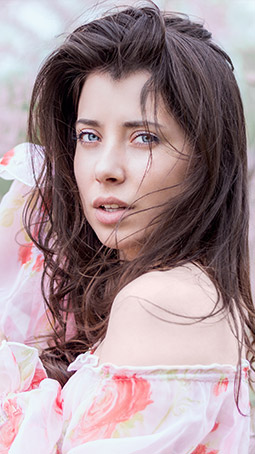
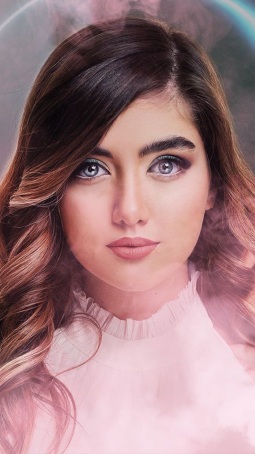
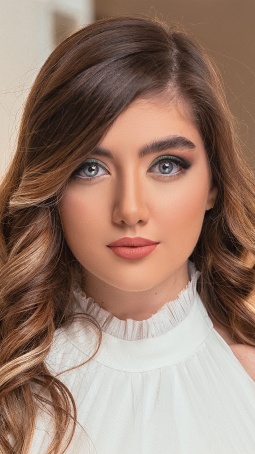
Portrait retouching, or how to enhance a portrait photo

 
Hold cursor over picture to see result

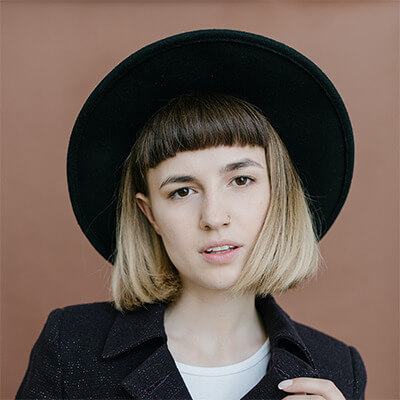
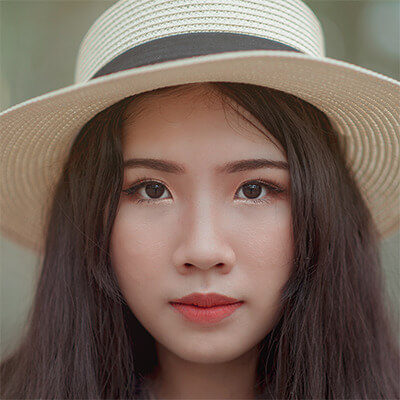
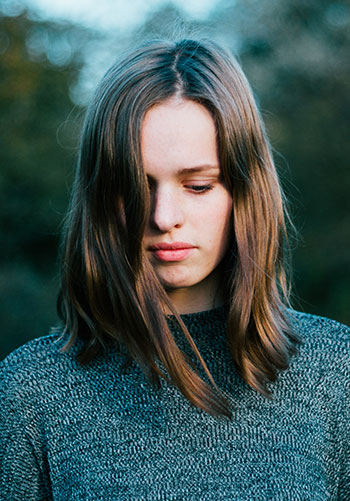
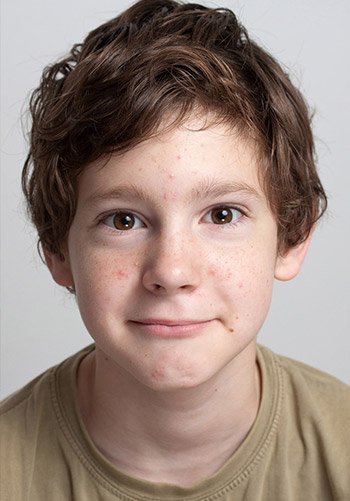
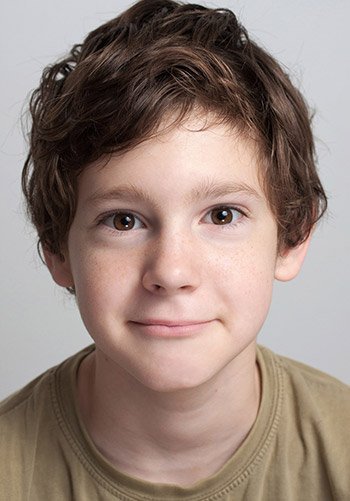
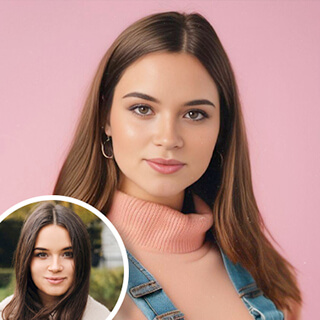
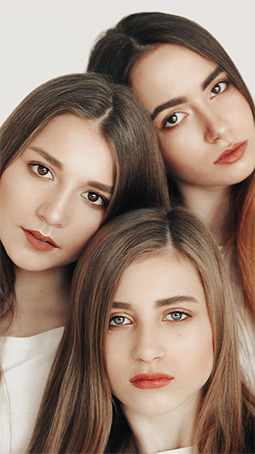
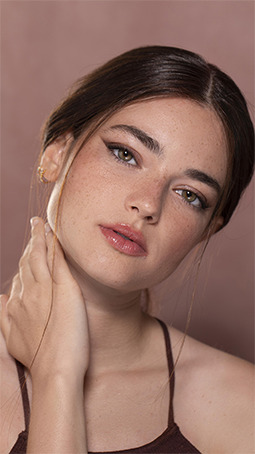
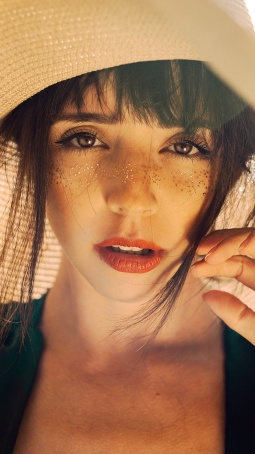
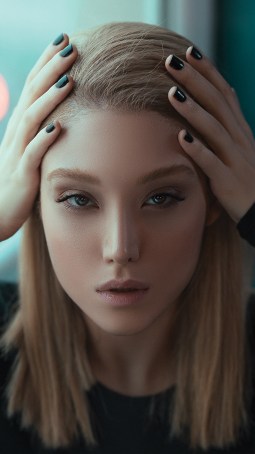
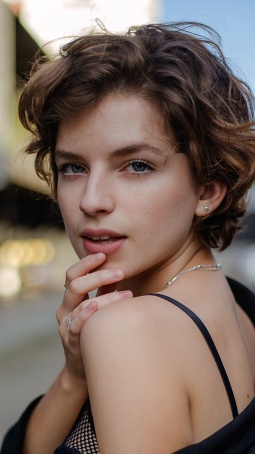
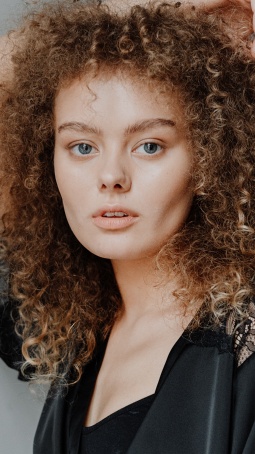
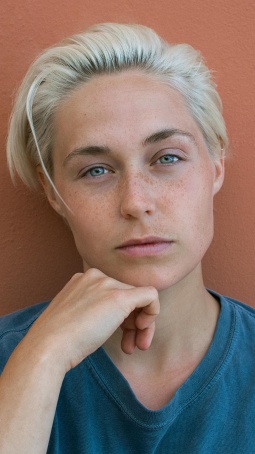
If your photos of people are ideal, read no further :) However, if you don’t like those blemishes and wrinkles, skin glare, yellowish teeth and devilish red eyes that spoil your portrait photos, use our intellectual retouching tools that remove the above-mentioned defects in one mouse click.

Besides skin retouching, eye makeup and teeth whitening, Makeup.Pho.to service will also make eyes look more attractive, skin more tanned and add a glamour look with a soft focus effect. If you need a more flexible approach to portrait retouching, use free and user-friendly Photo! Editor software.

Dull photos, or how to perform color correction, adjust brightness and saturation in a photo

 
Hold cursor over picture to see result

Adjusting image color balance and brightness levels is anything but simple. You can spend hours analyzing the histogram and white balance in complicated programs. But complicated is not always best :) Using our intellectual tools you can correct color temperature, brightness and saturation in photos with just one click.

For instant all-in-one enhancement, use the Enhance.Pho.to service. If you want to make individual adjustments to image saturation, brightness and color temperature, use the Adjust Saturation, the Enhance Color and Color Temperature tools that Editor.Pho.to service has to offer.

Blurry pictures, or how to sharpen a photo

 
Hold cursor over picture to see result

Sometimes sharpness comes first, especially with landscape and nature photography, where we want to see sharp details. Sometimes we feel that a photo is definitely not a masterpiece, because it is not sharp enough. This may happen due to camera shaking (hand shake blur) or object movement (motion blur). To improve a photo that needs to be sharpened, use the Deblur tool in Editor.Pho.to service.

Digital noise reduction, or how to fix grainy pictures

 
Hold cursor over picture to see result

Digital noise is one of the biggest problems most amateur photographers face. Have a close look at your photos (especially darker or low-light images). If you can see grainy, multicoloured speckles in smoothly-colored areas – this is the digital noise you have to get rid of. The Denoise tool in Editor.Pho.to will let you remove noise from your photos in seconds.

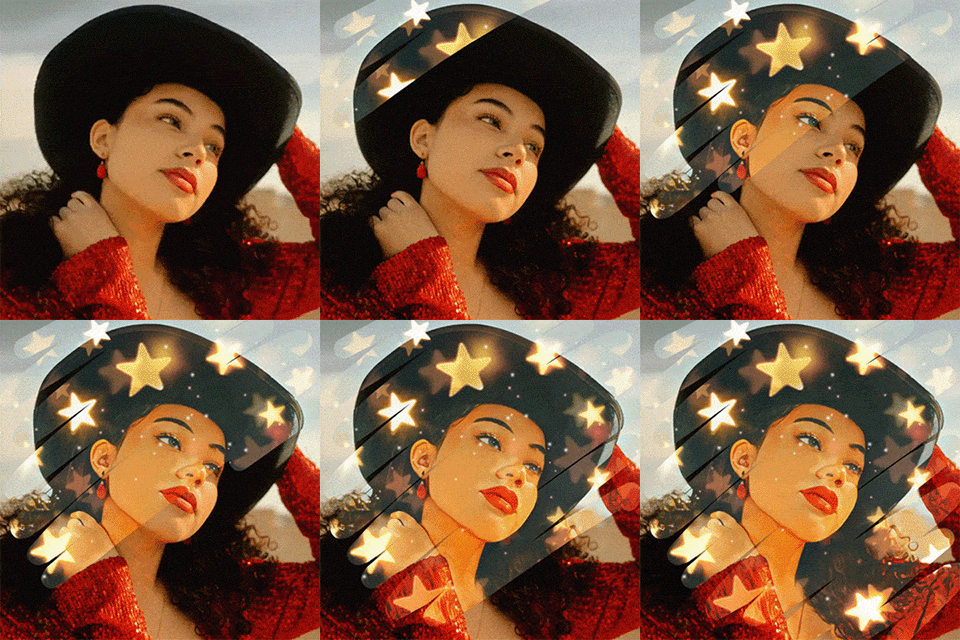
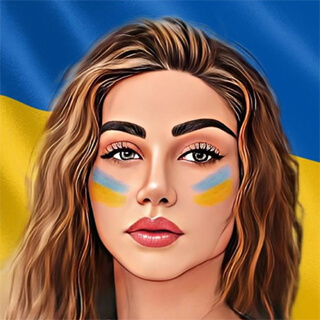
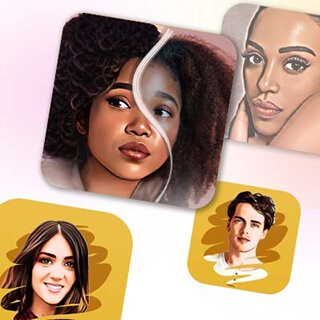
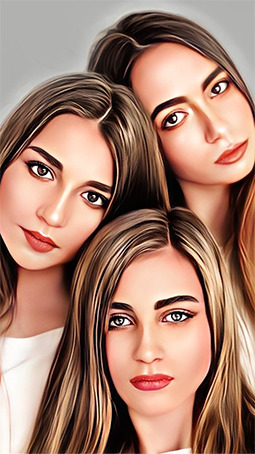
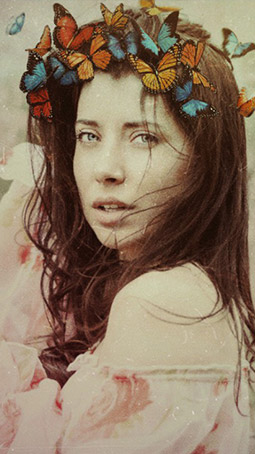
Want to get creative? Applying artistic effects to a photo


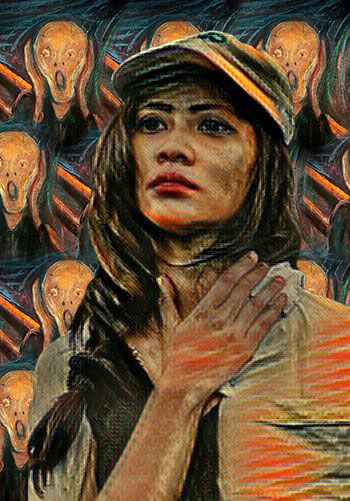
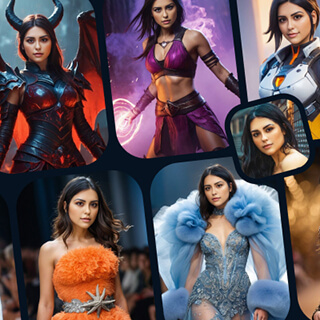
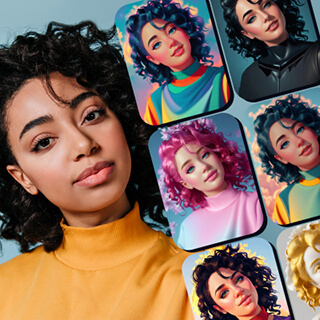
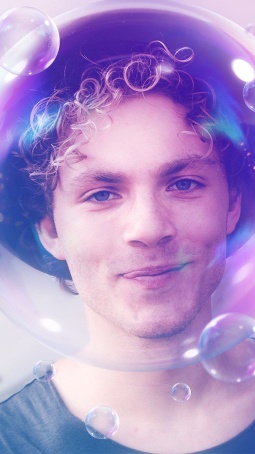
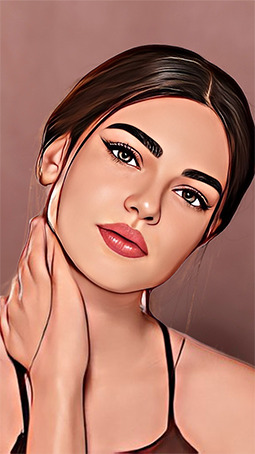
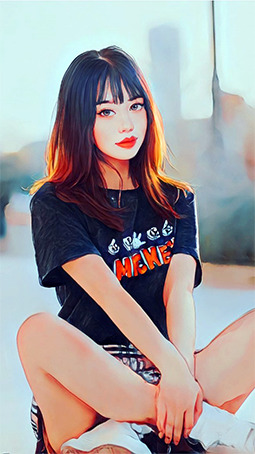
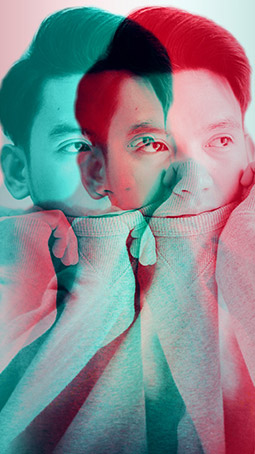
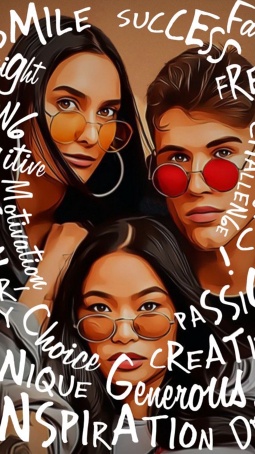
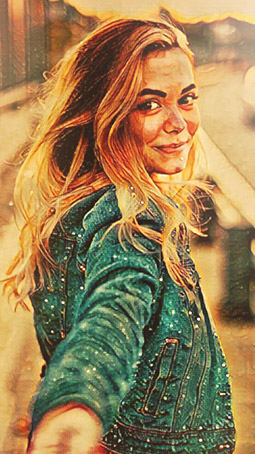
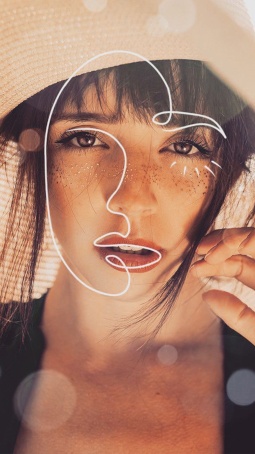
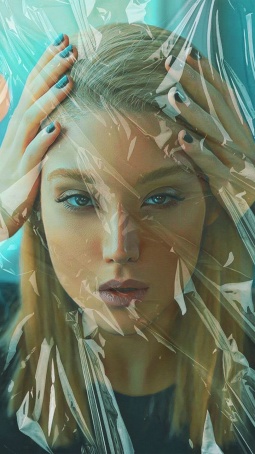
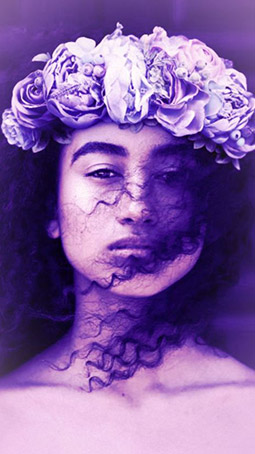
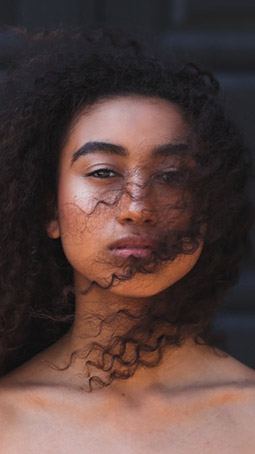
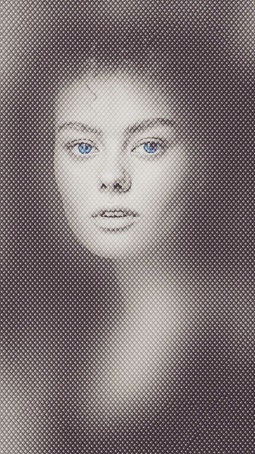
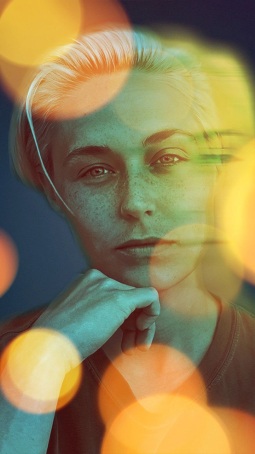
If you use digital photography as a way to boost your creativity, Editor.Pho.to is what you need. It offers an impressive set of artistic photo filters that let you turn your photos into mosaic art, a pencil drawing, an Impressionist oil painting, and what not! Just start experimenting, and make your photos look unique.

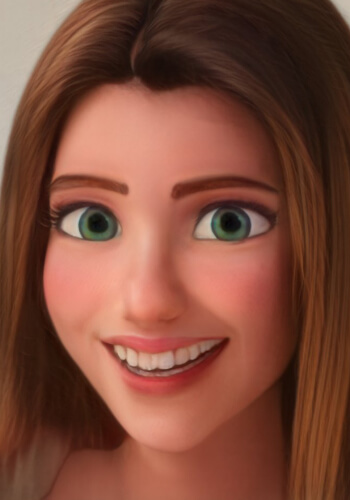
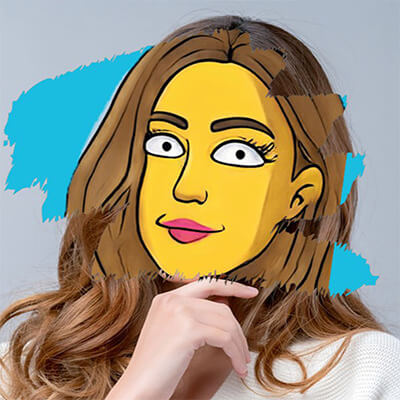
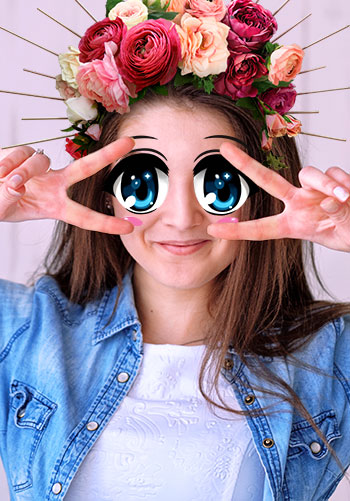
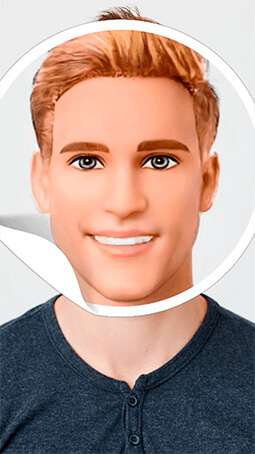
Changing facial expression, or how to create a caricature from a photo


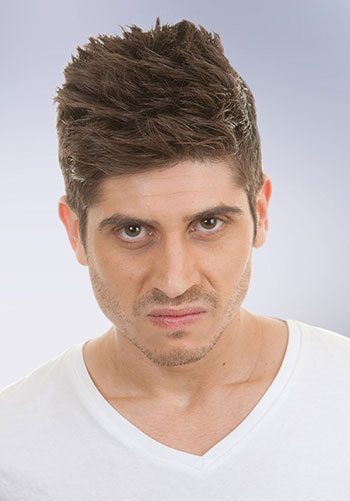
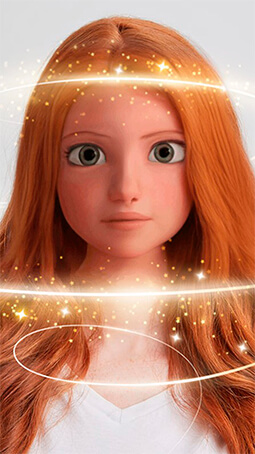
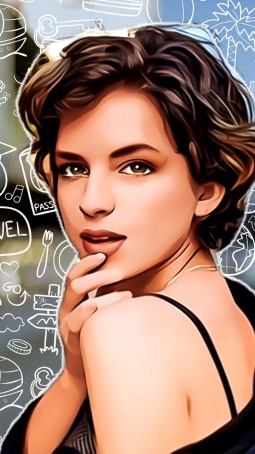
Want to change facial expressions in photos of people with just one click, or even create funny animations? Cartoon.Pho.to makes this possible! This online service works in fully automatic mode: you just upload a photo from your computer or from the internet by entering its URL, choose an emotion from the list (joy, sadness, surprise, etc.) and get a funniest gif animation, or a static caricature. The service automatically detects the face in your photo and also lets you adjust animation speed and picture size.

Creating funny photo montages, or how to have fun with your pictures


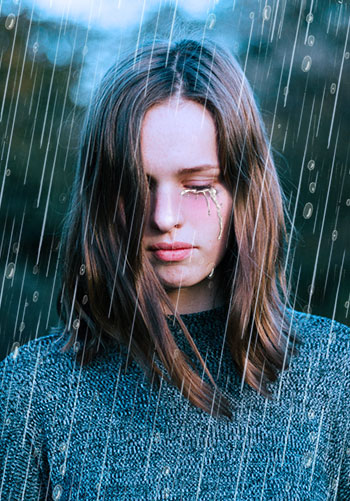
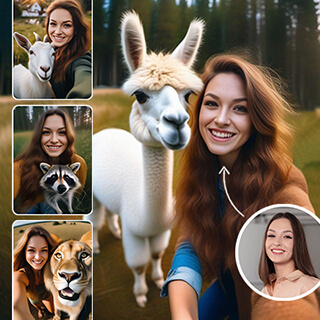
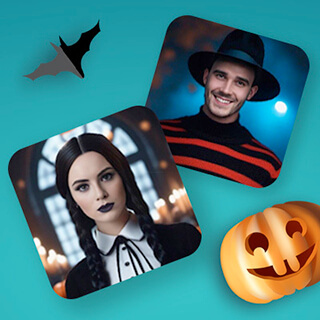
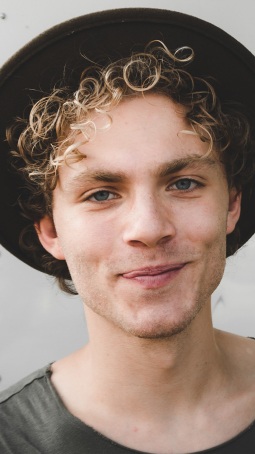
Want to learn how to create fun photo effects in seconds? There is no need to study complicated graphics software – check out Funny.Pho.to service and just just get entertained! This service inserts your photos in funny and original settings (more than 400 templates are currently available, and the collection is constantly growing). About half of the effects use face detection technology that makes it possible to insert a face from your picture into a photo of a celebrity, nun, or a movie star. The ability to recognize face features allows to make "Na'vi avatar effect" or "scar face effect".

Want to add several photos into one photo mashup? Or customize your photo mashup with your own text? All these options are provided by Funny.Pho.to The service is free, and resulting mashups can be shared easily!

Those who have an Android based device can apply photo effects to their photos for free with Pho.to Lab application.

Creating fun gif animations, or how to turn your photo into a cool animated avatar


An avatar (or a user picture) is very important for those who live their lives on forums, blogs or anywhere else on the internet. Actually, it is а graphical representation of your own self. Want to look cool and original in the ever-changing web world? Create an eye-catching animated avatar from your photo in a couple of clicks with free Avatar.Pho.to.
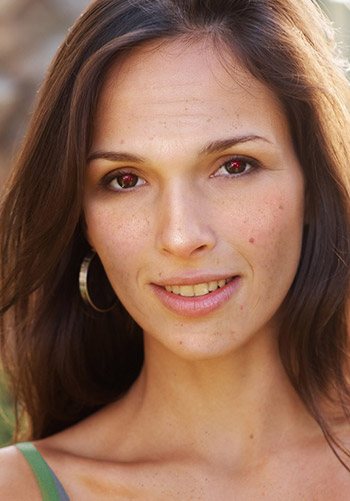
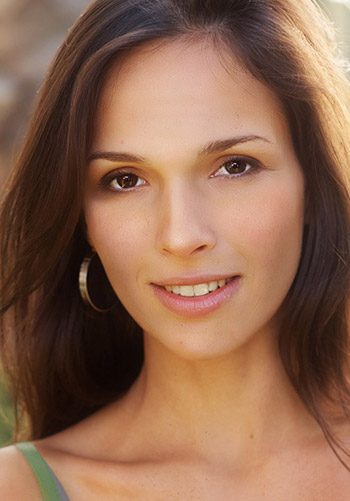
Just upload your picture from your computer or from the web (the face is detected automatically), select the effect you like and see it animated! You can then adjust the size and speed of your gif animation, add glitter text and save it either to your computer, or to a free hosting on Pho.to site.

Free photo hosting and sharing on Twitter, social networks, blogs and forums.


Want a free photo hosting service letting you easily share your photos on Twitter, and anywhere else on the web? Then, Tweet.Pho.to is what the doctor ordered! Just upload a photo from your computer, via an URL or using a webcam, edit it right away, add a message and post it to Twitter or Facebook with one button click! You can also use Tweet.Pho.to just to host your photos (for instance if you want to send a picture link to a friend). The main advantage Tweet.Pho.to has over similar services are short (20 symbols), neat and intuitive links that contain the word 'pho.to'. The service also allows adding comments to published photos using one's VKontakte, Facebook or Twitter account.

How to create a cool web photo album

Want to create a stylish web photo album and post it to the web in a couple of minutes? Free Photo! Web Album software is the smartest and easiest way to create photo galleries for the web. Its attractive interface and context sensitive help make it fun and easy to create a web album, even if you are a new user. Moreover, you can post your albums to Pho.to server directly from within the program! The software also contains built-in photo editing tools, so you can improve your photos before posting them on the internet.

How to create an original 3D photo album

We live in a three-dimensional world, so why not showing your photos in 3D environment? Imagine walking around a 3D gallery with your pictures on the walls. Our free products and services give you exactly this opportunity, and even more! You can put your photos on pages of an old book, on the walls of a modern art gallery, or even inside Egyptian pyramids. More than 40 different designs and galleries are available.

Check out Online Photo! Presentation Widget service and create original 3D photo albums that can be easily embedded on your site or blog. You are also welcome to use Photo! 3D Album software that lets you create highly customizable 3D albums with comments to each photo, and then post your albums to Pho.to site right from the program.

How to create an embeddable Flash slideshow


Want to make a modern photo album that is fast to create and convenient to view? A Flash slideshow is a great way to showcase your photos on the web. Photo! Presentation Widget service will turn your pictures into a customizable and embeddable slideshow supplied with photo comments and information about the author. Your are welcome to store your slideshows on Pho.to hosting, as well as post them to blogs, forums or social networks directly from the quick-post interface.

December 28, 2011
Welcome our new 'Christmas Pho.to Frames' application for Android! A huge set of Christmas and New Year templates for free! Follow the http://bit.ly/christmas_photo link to download the app!